
Resources for Candidates & Committees
Three tools OCRP built to help Republican candidates, county parties and district committees reach voters, grow their lists and train their people.
All three are free to useGOP Voter Center
A voter guide site you control: sections you name, and candidate cards with photos, websites and social links, in your colors with your logo.
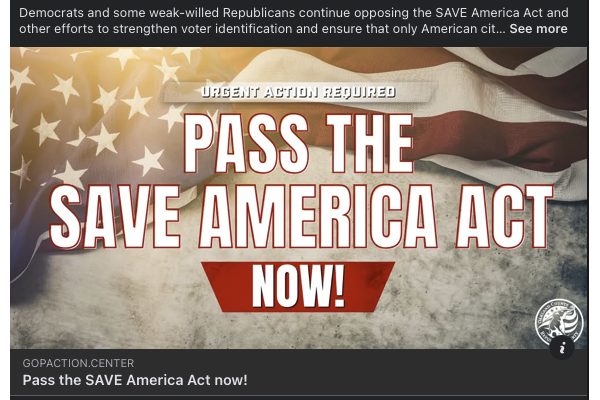
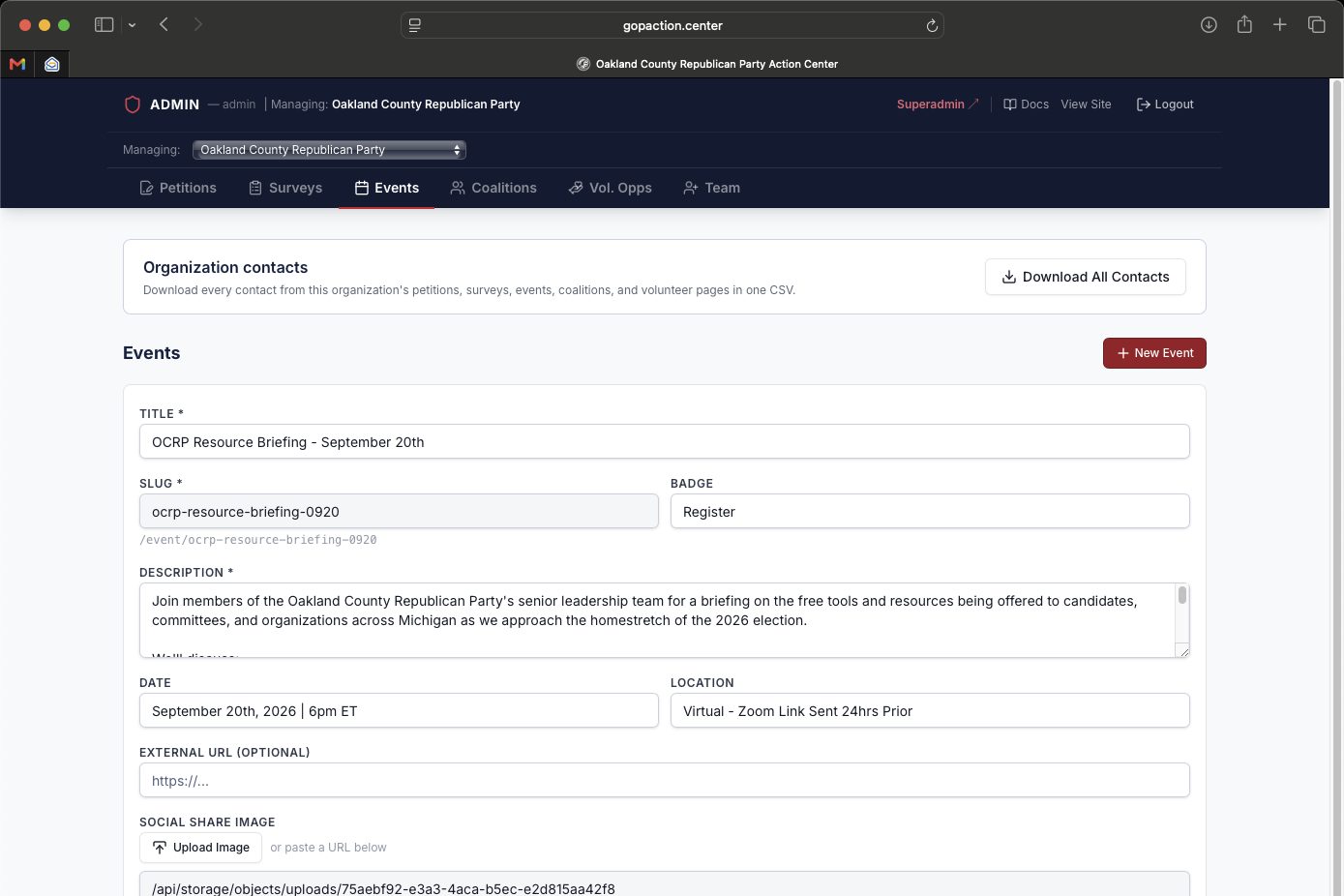
Action Center
Petitions, surveys, event registration, coalitions and volunteer shifts. Every one of them captures a real contact you can move into your activation funnel.
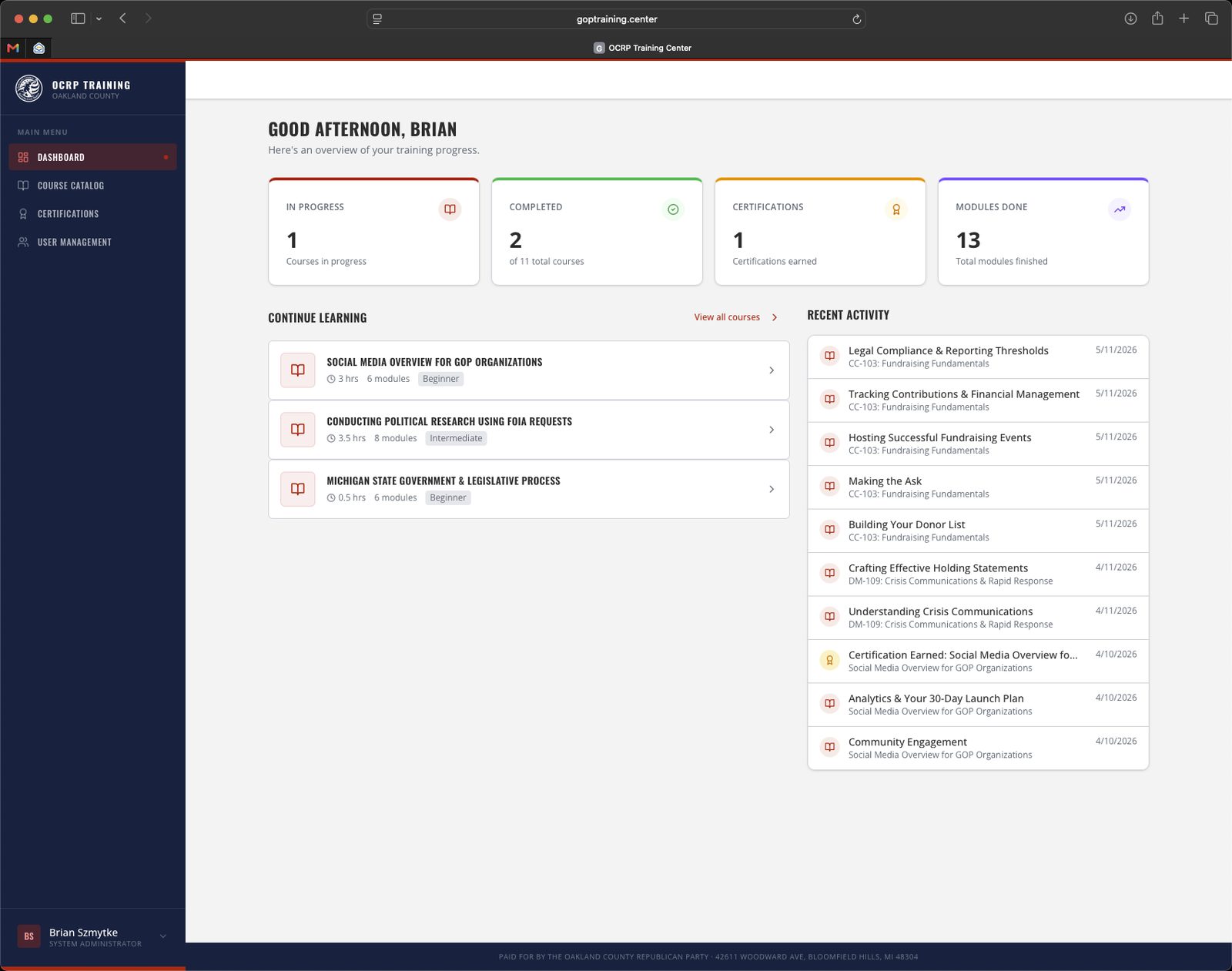
Training Center
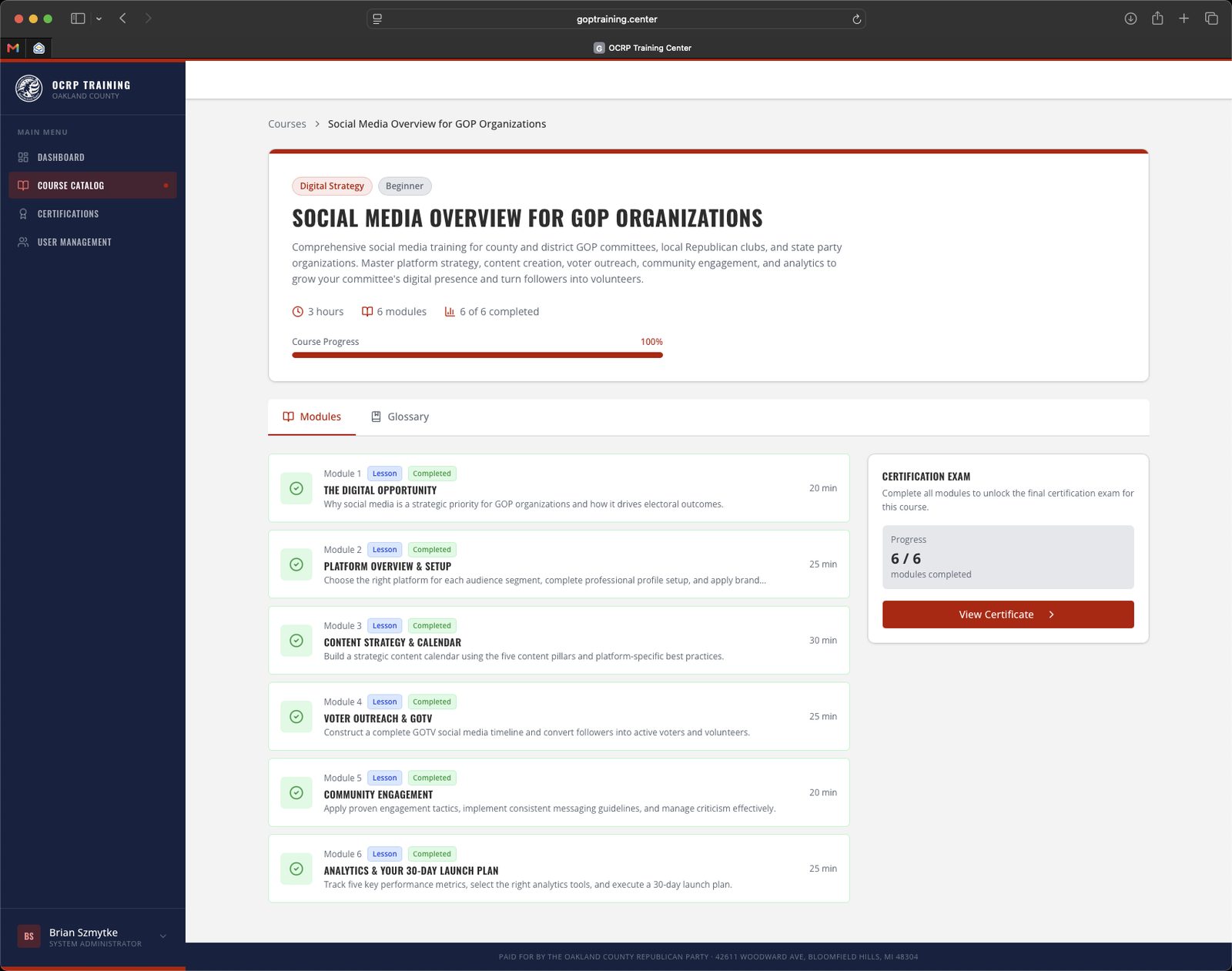
Eleven self-paced courses for candidates, staff and volunteers, built by experts from two decades of training materials.
Three problems we set out to solve
Two weeks out, people ask who's on their ballot. The answer is usually a PDF buried in a Facebook post, or nonstop phone calls to the county party.
Petitions on clipboards. Event sign-ups on legal pads. Volunteer names in somebody's phone. None of it ends up anywhere you can actually use it.
First-time candidates learn fundraising and media by getting it wrong in public. Precinct delegates are handed a role and no instructions.
Your candidate slate, live in minutes
Build a voter guide your community can actually find, and update it yourself from any browser.
- 1Sections you controlStatewide Races, State Senate, County Courts, School Boards. Add as many as you want, in any order.
- 2Candidate cardsPhoto, office, campaign website, and an icon for every social account. Leave a field blank and it simply doesn't show.
- 3Your brandingYour logo, four colors and two fonts, all set with a picker. No code and no designer required.
- 4Email capture built inA sign-up box at the top of your guide. Those addresses are yours. Download them any time.
Also included
- Polling place and absentee ballot links
- A "support us" panel with your donate, membership and volunteer links
- Works on a phone, and prints cleanly as an election-day handout
- Looks right when shared to Facebook
- QR code generator
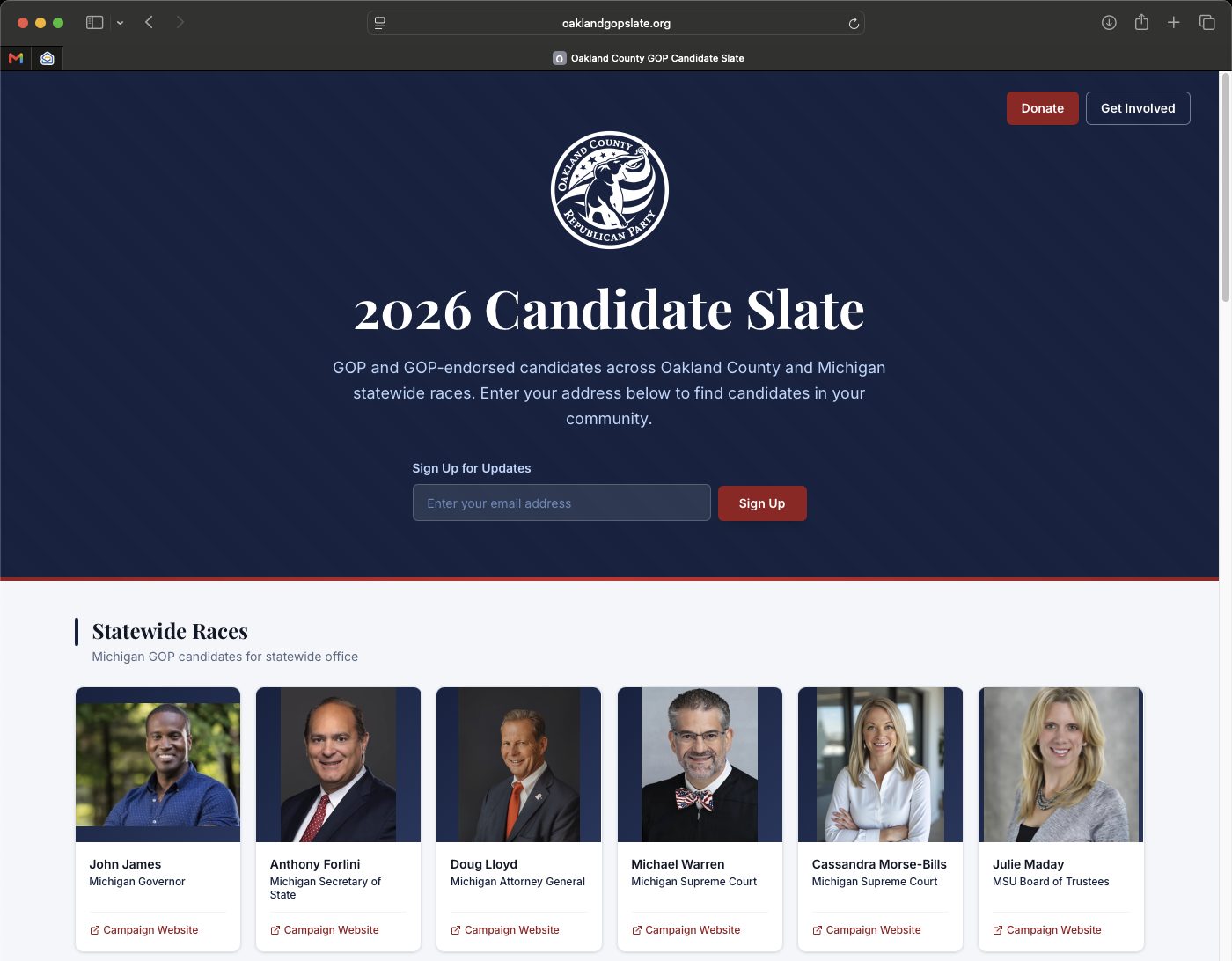
One guide. Two front doors.
You maintain one list of candidates and get two versions of the guide.
gopvoter.center/[yourcounty]
The party version
- Your county party logo at the top
- Donate and Get Involved buttons
- Support panel with your fundraising links
- Unapologetically Republican
localvoter.center/[yourcounty]
The neutral version
- No logo, no party branding
- No donate button, no fundraising
- Reads as a plain community voter guide
- Same candidates, same information
Send the party link to your members and donors. Send the neutral link to places where a party link would be counterproductive, like community Facebook groups, church bulletins and the library.
A note on campaign finance compliance: no federal candidates
Federal law limits what non-federal money can pay for when a communication promotes a clearly identified candidate for federal office. To our knowledge, every county party in the state that has only a state-regulated account is subject to the same restriction.
OCRP has a detailed memo on this for anyone interested. Request a copy.
Five ways to turn supporters into a list
Put a petition online and collect signatures with name, email, phone and ZIP.
Multiple choice and open-text questions. Find out what your voters actually care about.
A registration page for your Lincoln Day Dinner, training night or candidate forum.
Women, Veterans, Young Republicans, Business. Let supporters tell you which group they belong to.
Door knocking, phone banks, poll challenging, with dated shifts people claim themselves.
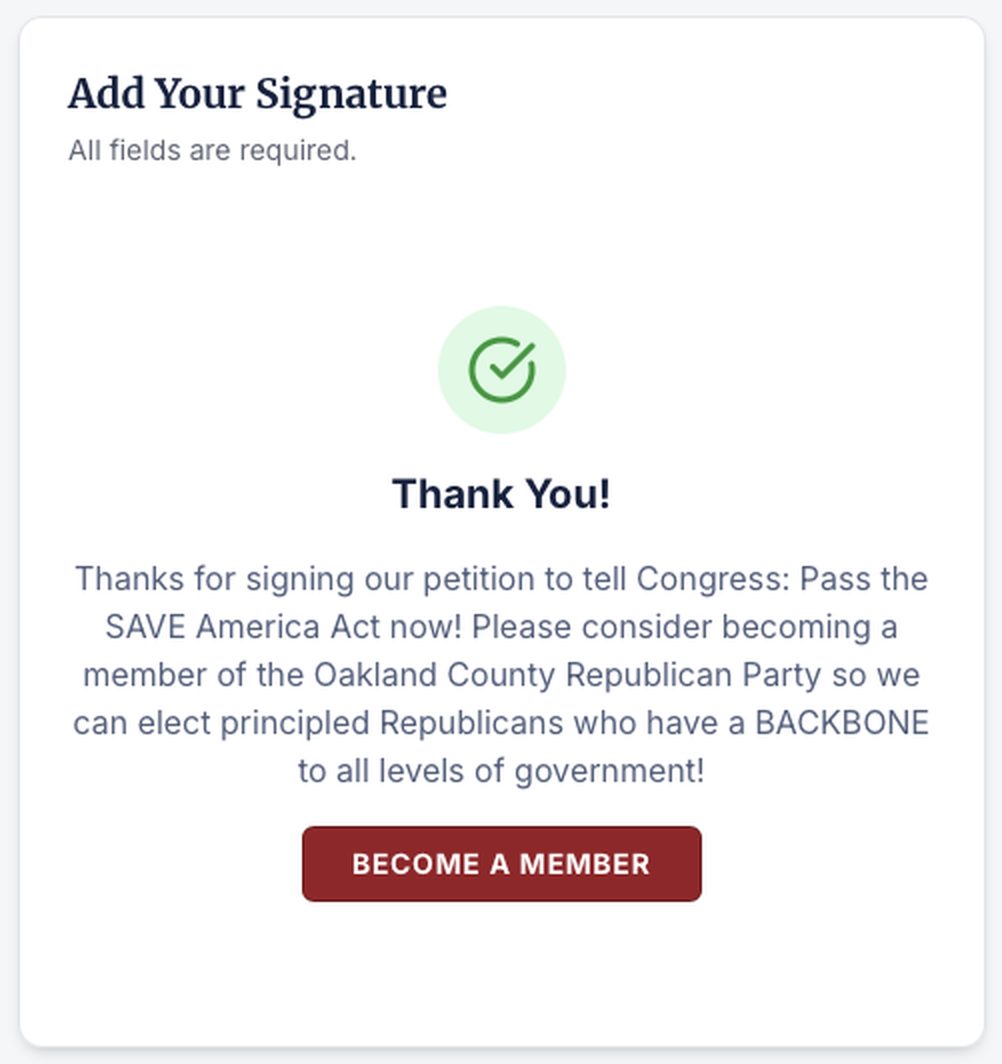
The activation funnel: turn online interest into action
- 1They take the actionSomeone signs your petition, RSVPs to your phone bank, or joins a coalition.
- 2You ask before they leave the pageThe instant they submit, they see your ask: become a member, chip in, or volunteer. One click and they're on your donation form.
- 3You keep them either wayWhether they gave or not, their name, email, cell and ZIP are already in your export.
You set this for each action
- The thank-you message they see
- What the button says
- Where it sends them: membership, donate or volunteer
- Or skip the screen and drop them straight onto the form
Then the follow-up starts
The Action Center captures the contact and hands you the export. You send the follow-up emails from whatever email tool you already use.
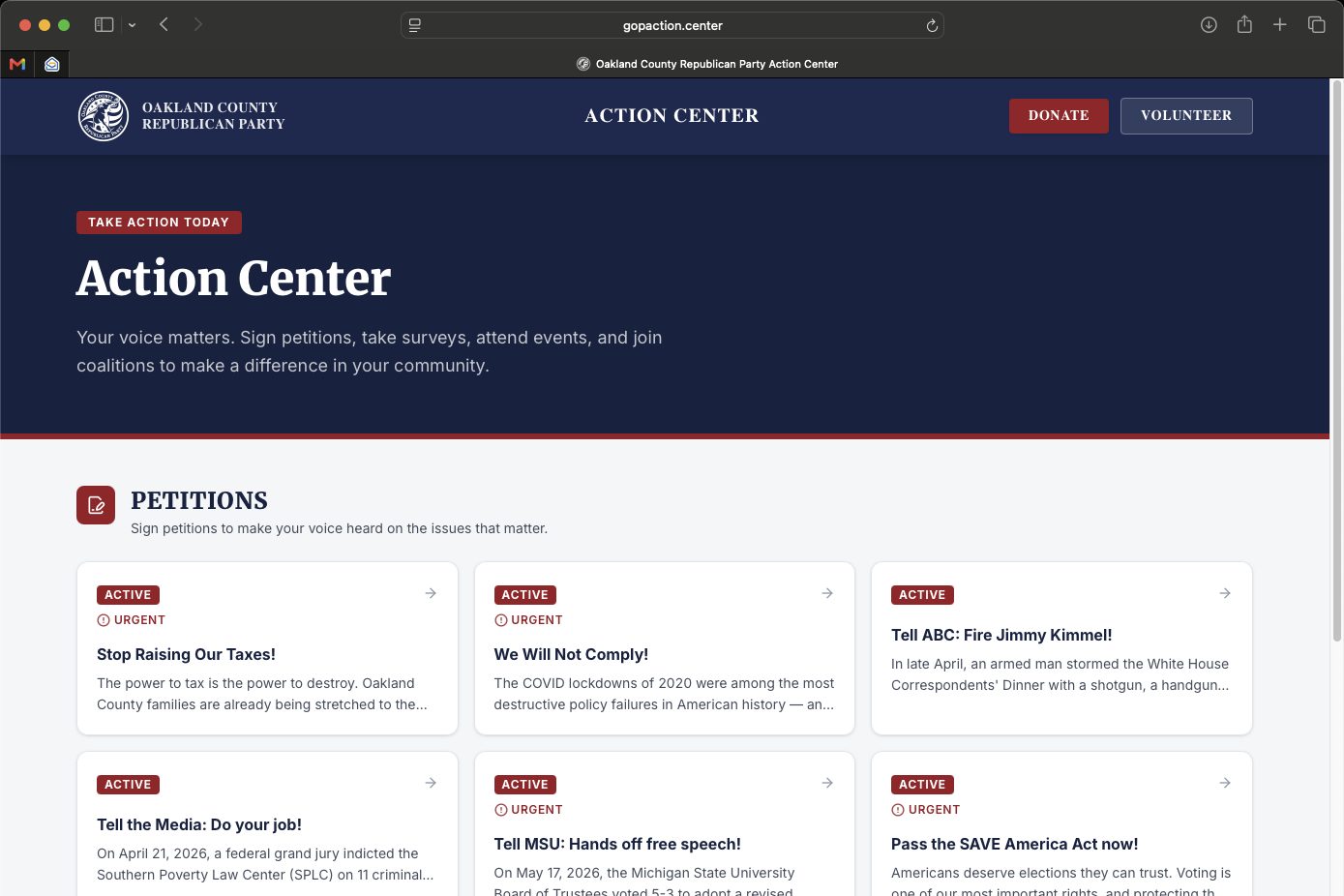
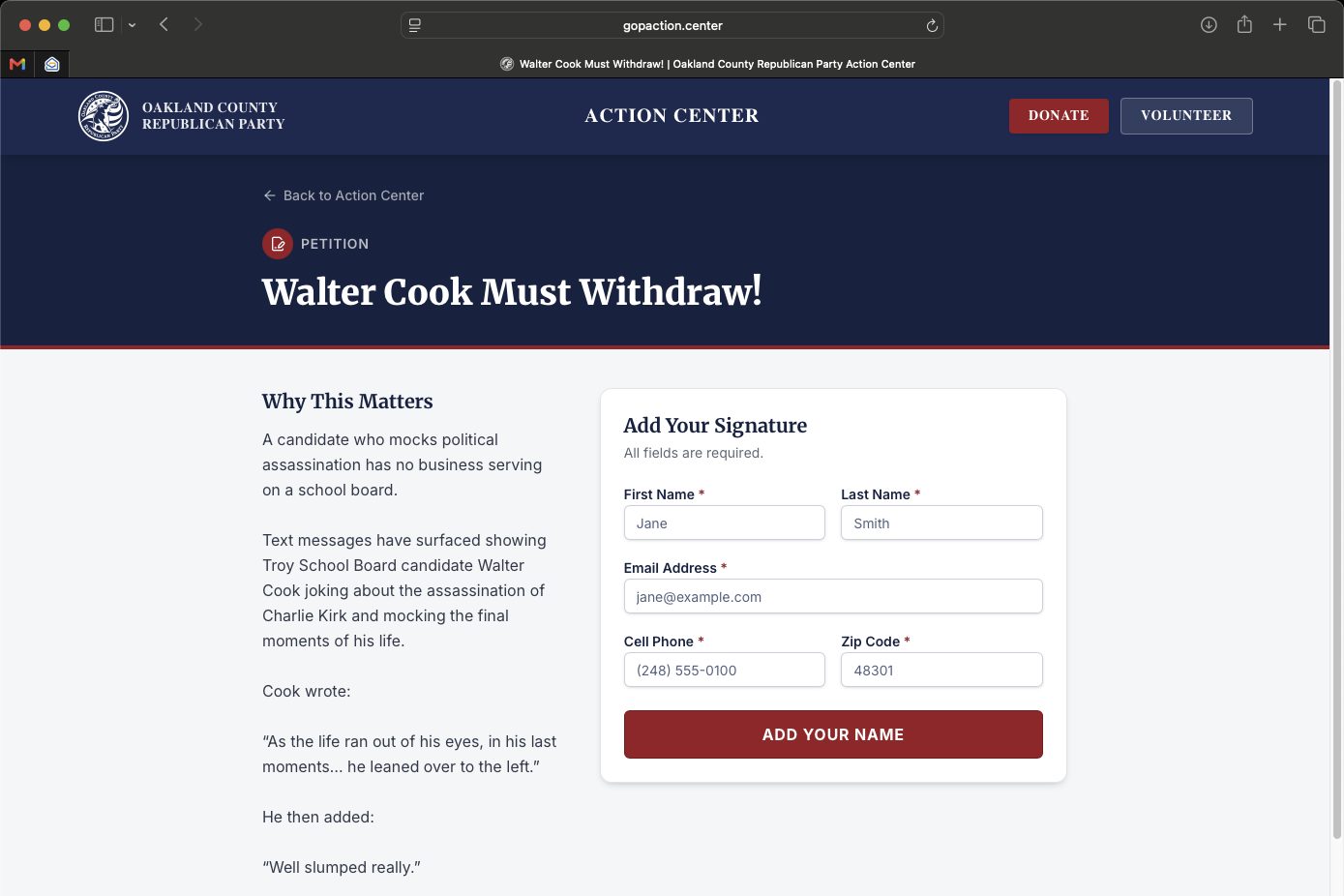
A real academy, already built
Self-paced courses that let candidates, staff, volunteers and precinct delegates learn the job before they're doing it in public.
What's in the catalog
Set up your voter guide today
Strong county parties and district committees raise the tide for everyone. OCRP is proud to do our part.
Questions? Contact Brian Szmytke, Senior Advisor & Finance Chair, at brianszmytke@gmail.com.
42611 Woodward Ave, Bloomfield Hills, MI 48304
Not authorized by any candidate or candidate committee